Your Restaurant Menu.Everywhere Your Customers Find You.
Create a stunning digital menu once and share it on Google Maps, Instagram, WhatsApp, your website and QR codes. Update your menu anytime. Your changes appear automatically wherever customers open your menu link.
- No app for customers
- Works on any smartphone
- Food photos and descriptions
- Instant menu updates
- One permanent link
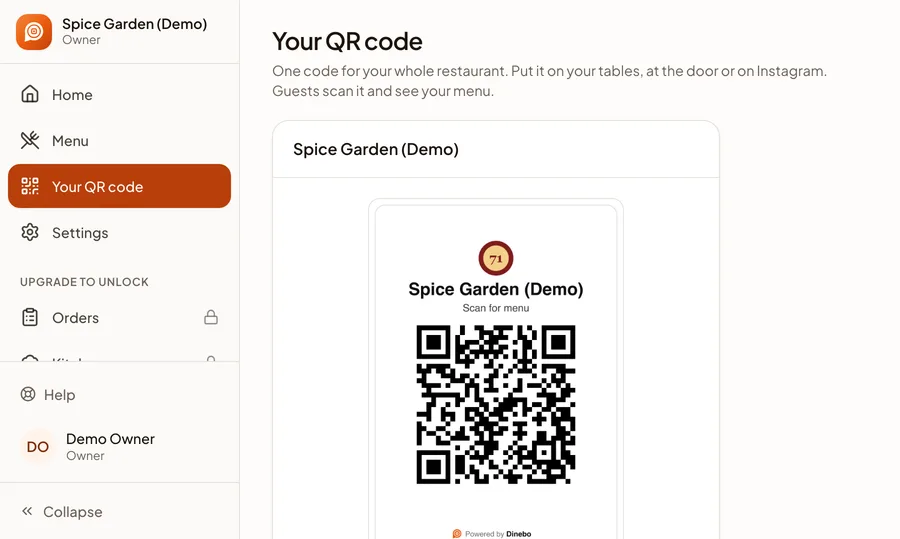
- Your QR code included
Spice Garden
North Indian restaurant · Bengaluru
- Call
- Website
- Menu
Spice Garden
North Indian · Bengaluru
Main course
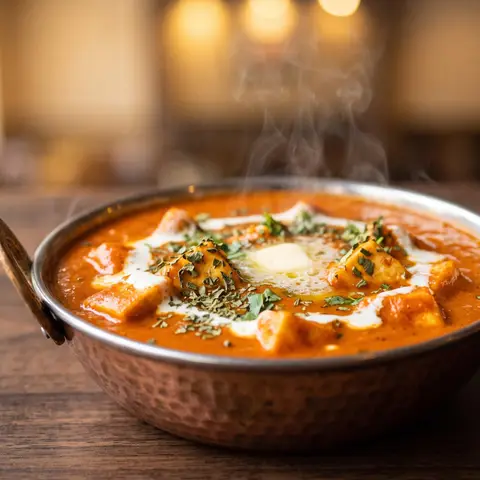
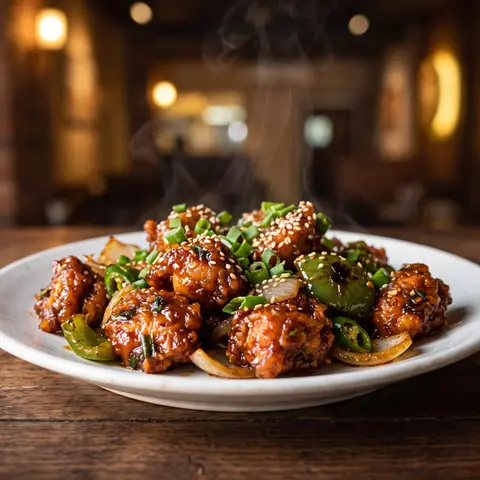
Paneer Butter Masala
Soft paneer in a rich tomato gravy
₹250
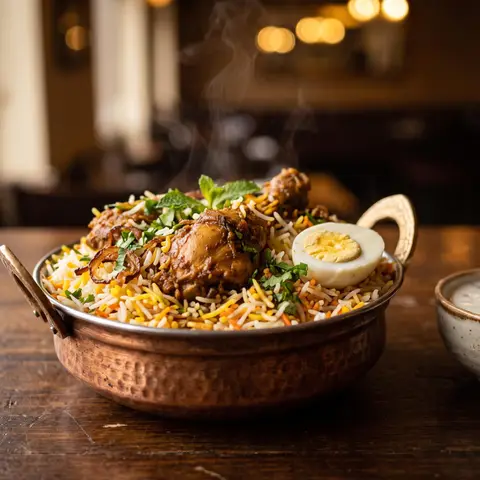
Chicken Biryani
Slow-cooked with whole spices
₹320
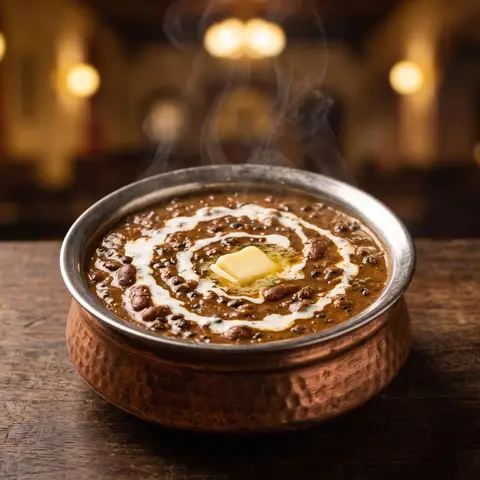
Dal Makhani
Black lentils, cream and butter
₹220
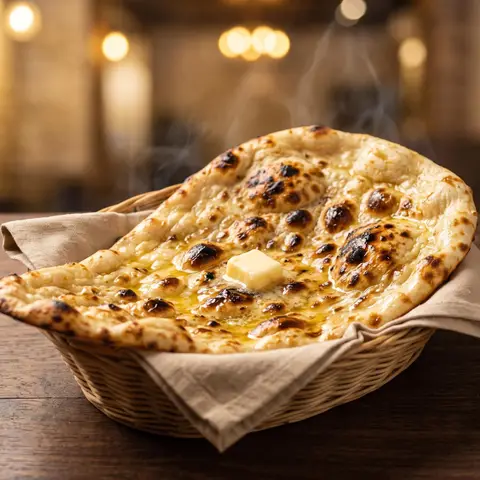
Butter Naan
Fresh from the tandoor
₹70
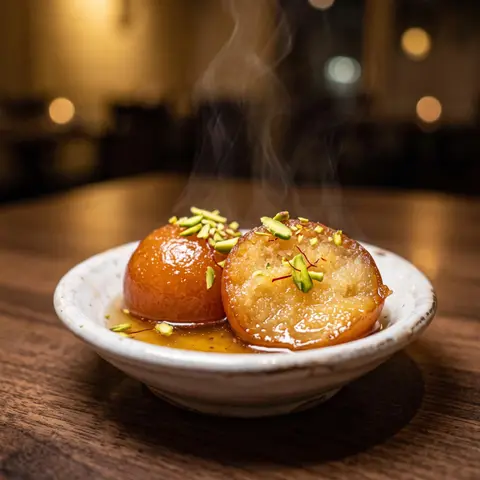
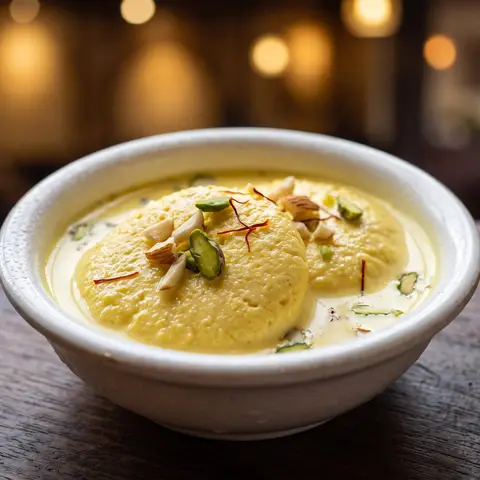
Gulab Jamun
Warm, in rose syrup
₹90
Get discovered
Put your menu link on Google and everywhere else people look.
Share everywhere
One menu link for every place you meet customers.
Update effortlessly
Change your menu once. Every shared link stays current.
Showcase Your Restaurant Menu on Google.
When customers search for your restaurant on Google Search or Google Maps, make it easy for them to explore your menu before visiting.
- 1
Create your digital menu
Make it on Dinebo from a photo or PDF of your menu, or type it in.
- 2
Copy your menu link
Every restaurant gets its own link, next to its QR code.
- 3
Add it to your Google Business Profile
Paste it into the Menu link field, then save.
- 4
Customers open your menu
People who find your Google listing can tap through to your menu.
Spice Garden
North Indian restaurant · Bengaluru
- Directions
- Call
- Website
- Menu
Menu:app.dinebo.com/t/XfJ59XcC…
Spice Garden
North Indian · Bengaluru
Main course
Paneer Butter Masala
Soft paneer in a rich tomato gravy
₹250
Chicken Biryani
Slow-cooked with whole spices
₹320
Dal Makhani
Black lentils, cream and butter
₹220
Butter Naan
Fresh from the tandoor
₹70
Gulab Jamun
Warm, in rose syrup
₹90
- What Dinebo gives you
- A public link to your digital menu, ready to paste.
- What you do
- Add the link in your own Google Business Profile. It takes about a minute.
- What Dinebo doesn’t do
- It doesn’t send your dishes to Google or fill in Google’s menu editor. That’s separate.
- What Google decides
- Whether and where it shows your link. No one can promise a placement or a ranking.
One Menu. Everywhere.
Create once. Share everywhere. One link and one QR code for every place customers find you.
app.dinebo.com/t/XfJ59XcC…
Google Search & Maps
Add your menu link to your Google Business Profile so customers can find your menu while searching.
Instagram
Put your menu link in your bio, and share it in stories and posts.
WhatsApp
Send your latest menu to customers in one message.
Facebook
Post your menu link on your business page.
Your website
Link to your menu from a button on your own website.
Table QR codes
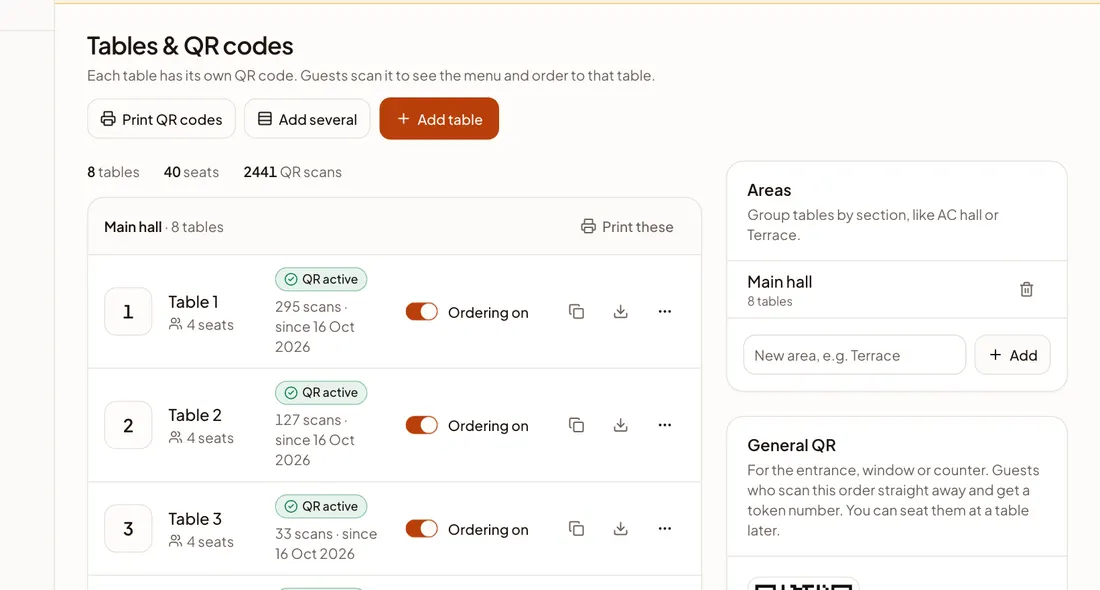
Customers scan and your menu opens. Print it in any size.
Takeaway packaging
Print your QR code on boxes, bags, receipts, flyers and visiting cards.
Email & SMS
Paste your link into any message when you have new dishes or specials.
More than a QR menu.
Everything here works today. The stamp shows which plan it comes with.
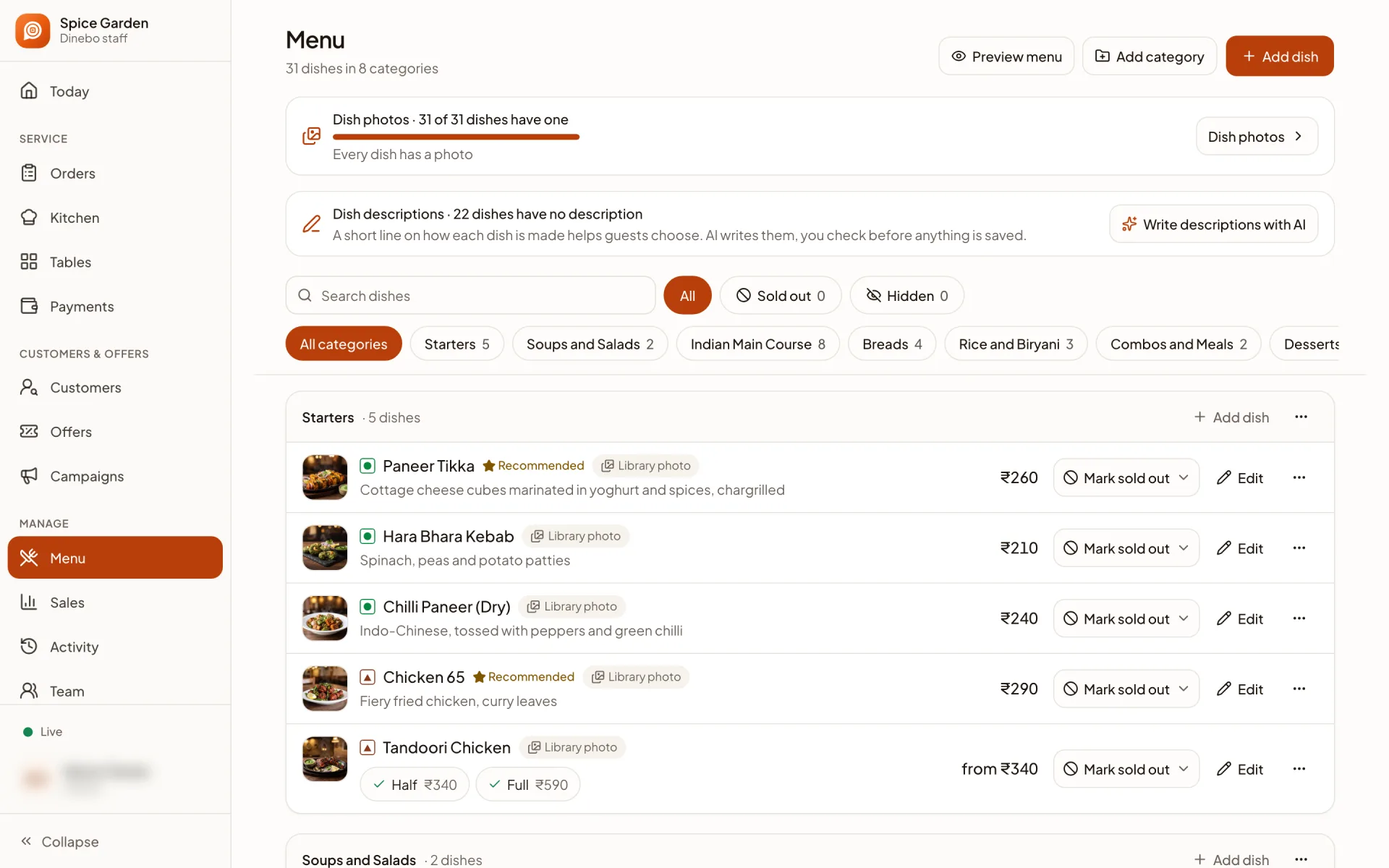
- Menu made from a photo or PDFFree
- Food photos and descriptionsFree
- Sections for your dishesFree
- Sizes and extrasFree
- Veg and non-veg marksFree
- Mark a dish sold out in one tapFree
- One link and QR code, any print sizeFree
- Your logo and 36 themesFree
- Menu views per dayFree
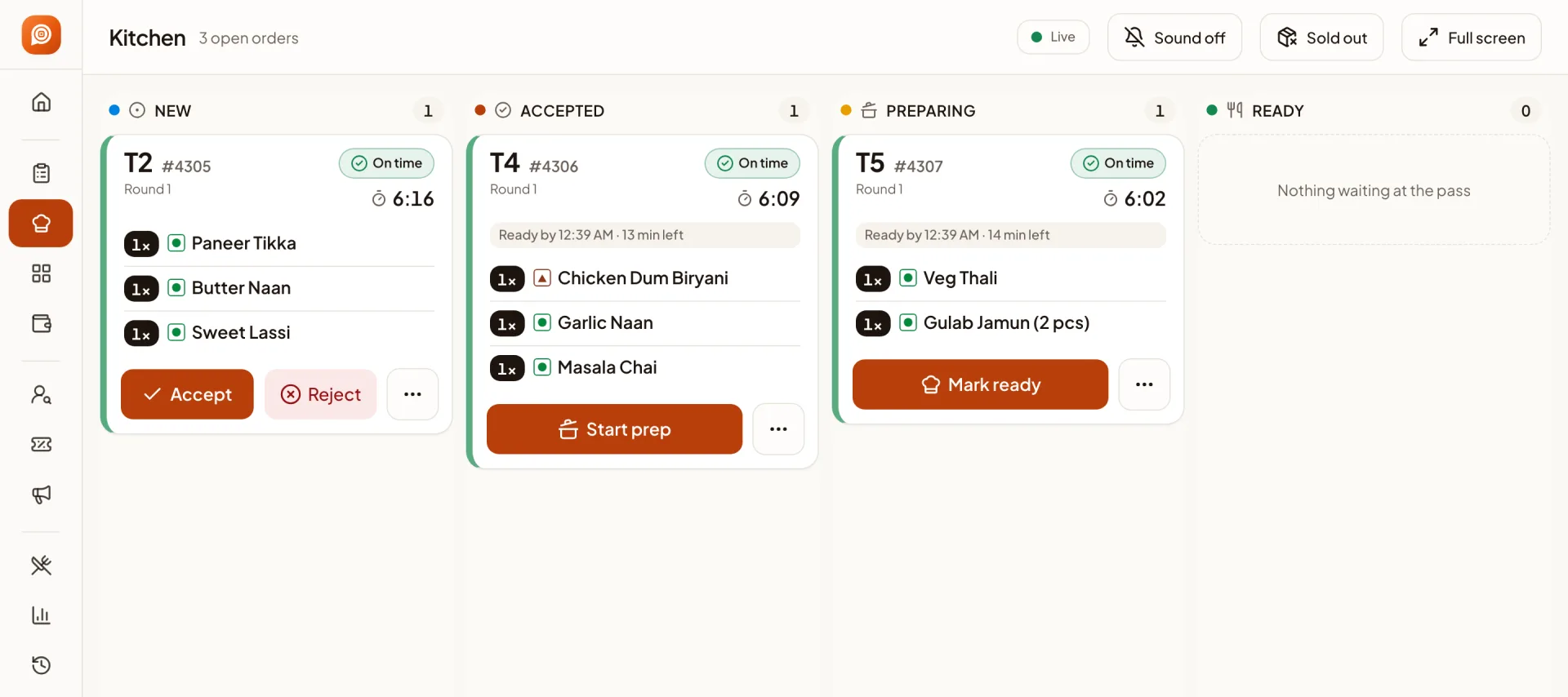
- Guests order from their phones at your restaurantOrders
- Kitchen screen, bills and paymentsOrders
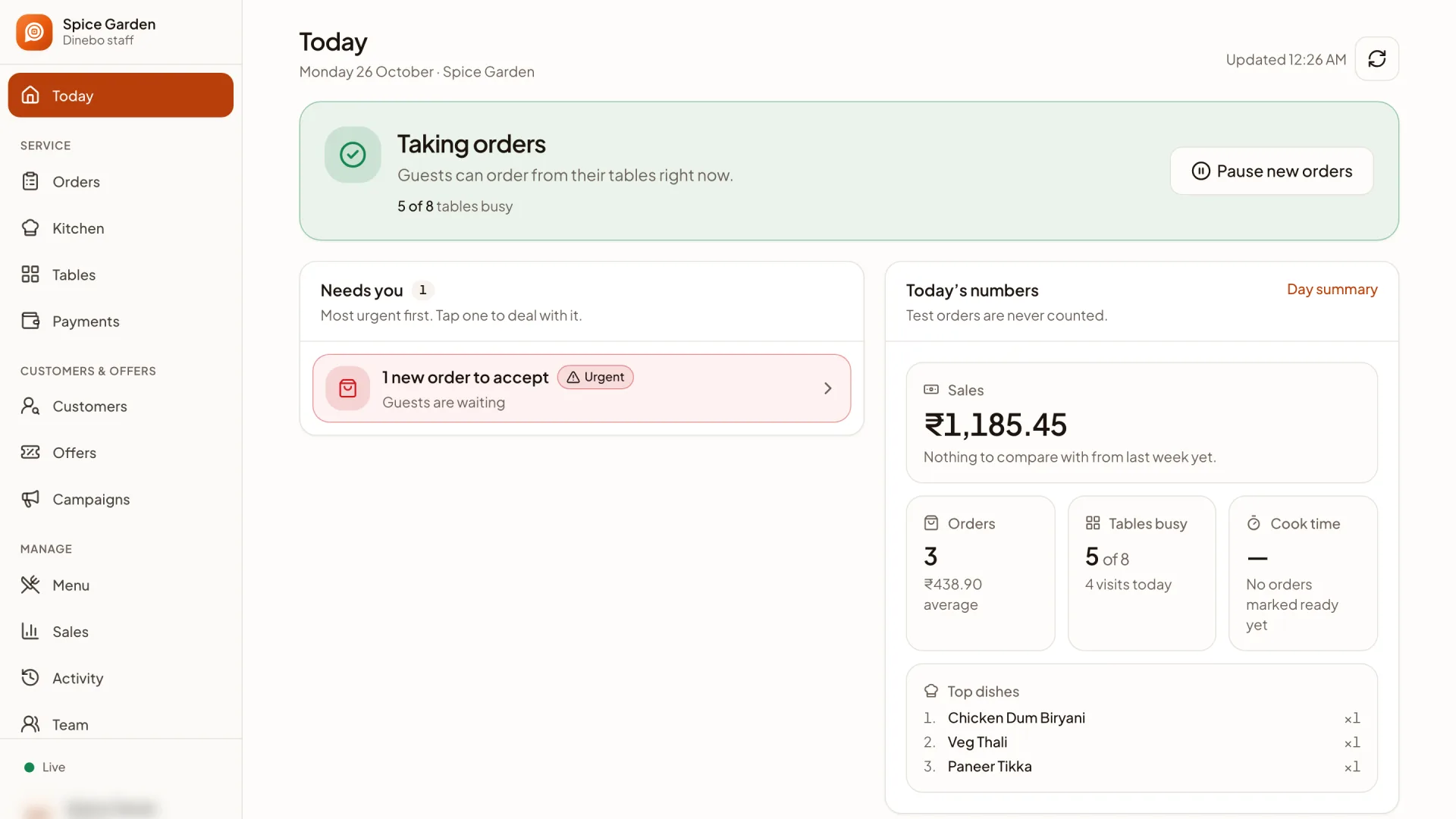
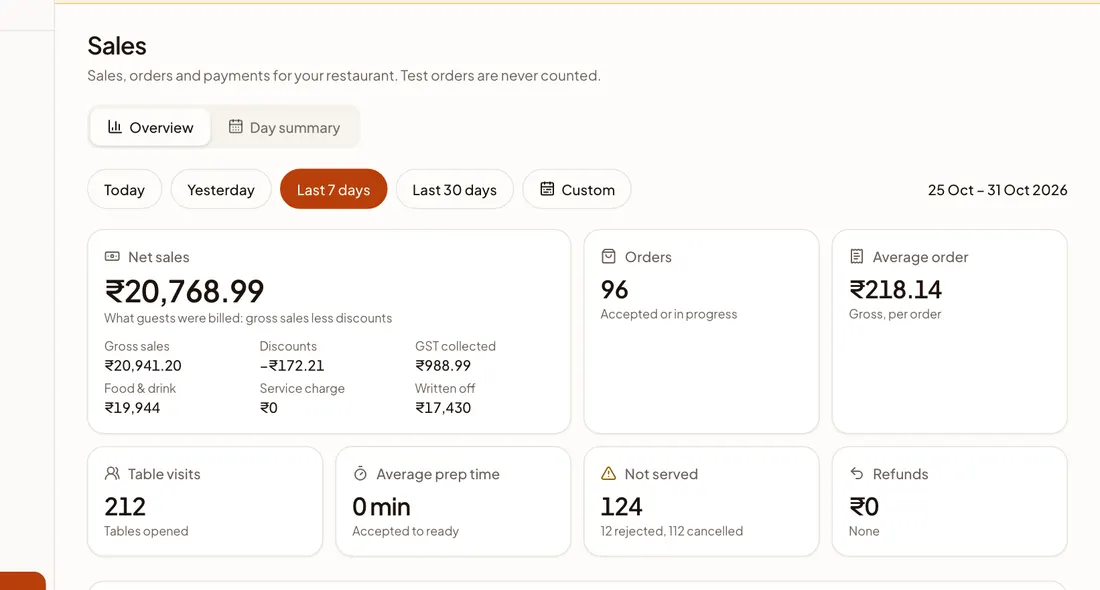
- Sales and your top dishesOrders
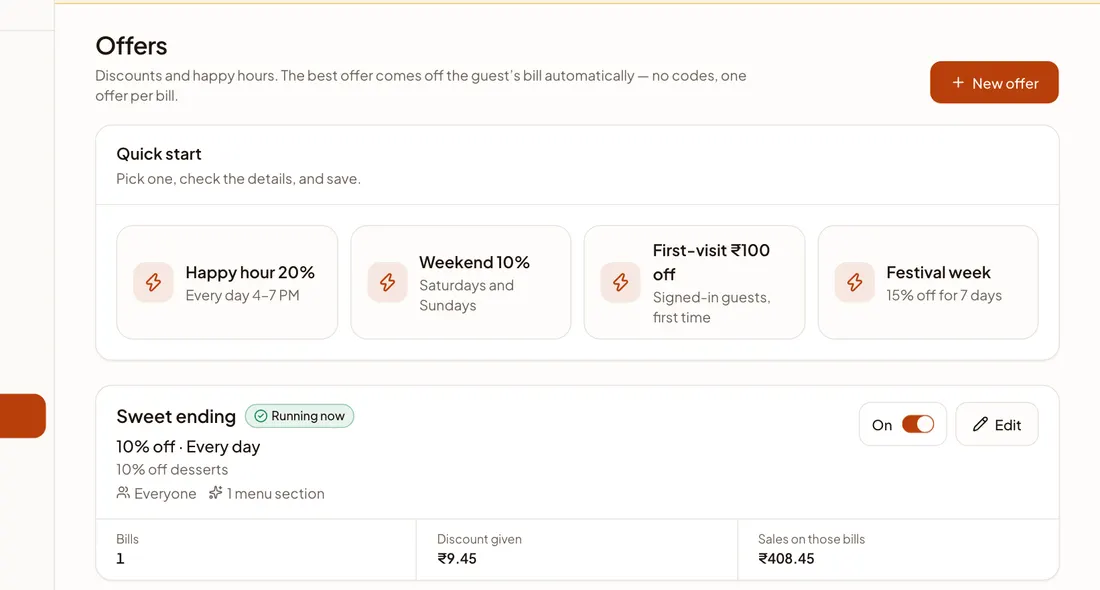
- Customer list, campaigns and offersGrowth
Not available yet: sub-sections, and separate menus that switch by time of day. A branch is set up as its own restaurant with its own menu and link.