
Digital menu or paper menu: which is better for a small restaurant?
Updated 31 October 2026
The short answer
If your prices or dishes change even a few times a year, a digital menu is usually better: you change it yourself in seconds and pay nothing to print. Keep a few paper copies for guests who prefer them.
The real problem with paper
A paper menu is correct on the day you print it. After that, every change costs you something.
- A new price means a pen mark or a new print run.
- A dish that has finished stays on the page, so staff have to explain.
- A new dish waits until the next print.
- Menus get stained and torn, and you print again.
What a digital menu changes
Guests scan a QR code on the table and the menu opens on their own phone. They do not need to download an app.
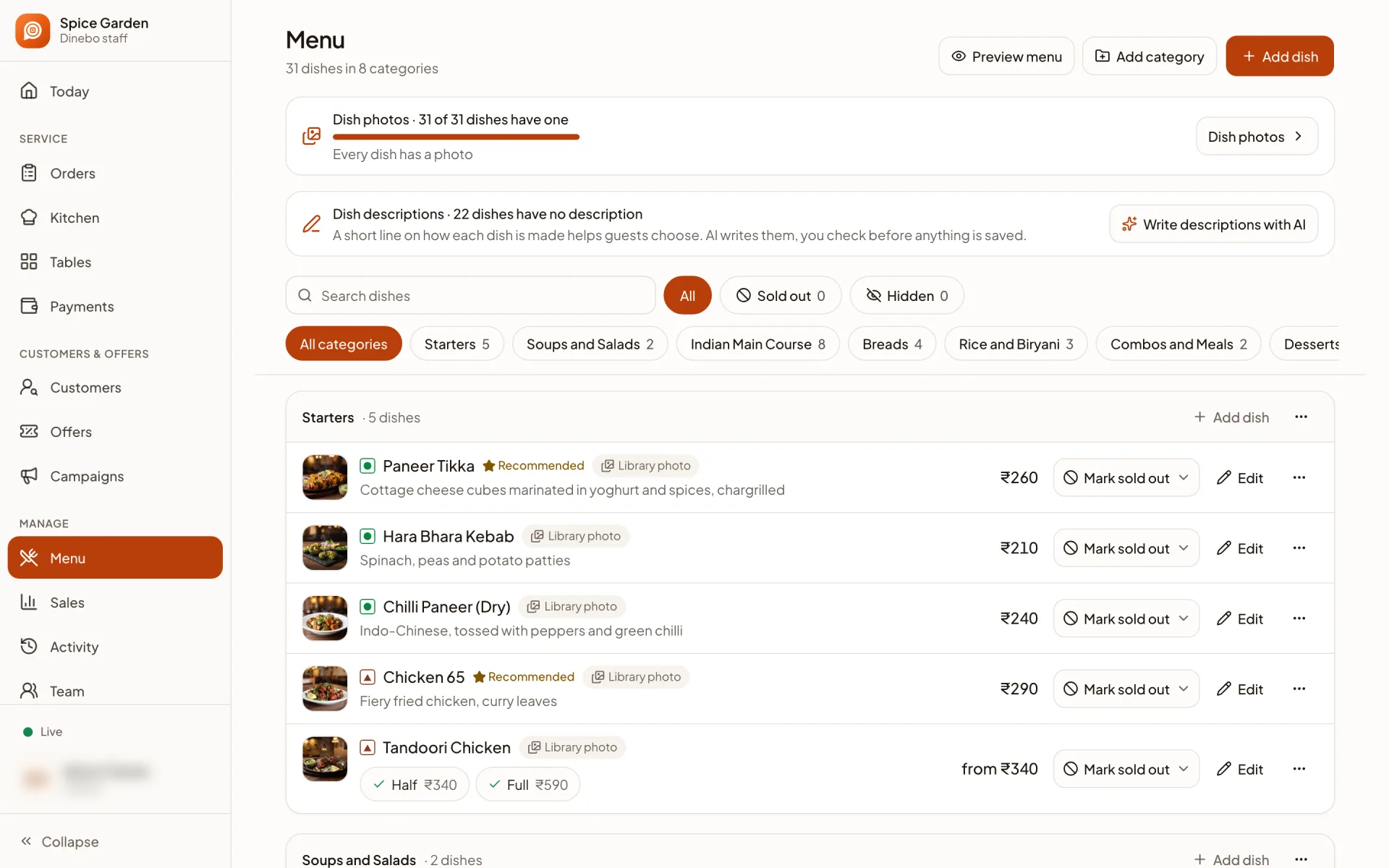
- Change a price and guests see it straight away.
- Hide a finished dish with one tap.
- Show a photo of every dish, so guests can see what they are ordering.
- Run a discount for a few hours, then switch it off.
When paper is still fine
Be honest about your own restaurant. Paper can be enough if your menu almost never changes and your regulars order without looking. Some guests will always prefer paper, and some will have no phone or a flat battery, so keep a few copies at the counter.
How to decide in two minutes
- 1Count how many times you changed your menu last year.
- 2Add up what you spent on printing, including small corrections.
- 3Ask your staff how often they tell guests a dish is finished.
- 4If those answers bother you, try a digital menu on one table for a week.
Dinebo’s digital menu is free forever, so trying it costs you nothing but a few minutes.
Try it free