
How AI Can Simplify Restaurant Menu Management
By Dinebo team · Published · 3 min read
The short answer
AI is good at the dull typing: reading a printed menu into a list of dishes and drafting descriptions. It’s not good at being right every time, so treat it as a fast assistant and check everything before guests see it, especially prices and allergens.
The problem it solves
Most of the work in a digital menu isn’t difficult, just slow. Typing out a long menu, writing a line about each dish and keeping everything organised takes hours you’d rather spend running your restaurant. That’s the kind of task AI does well.
Reading your existing menu
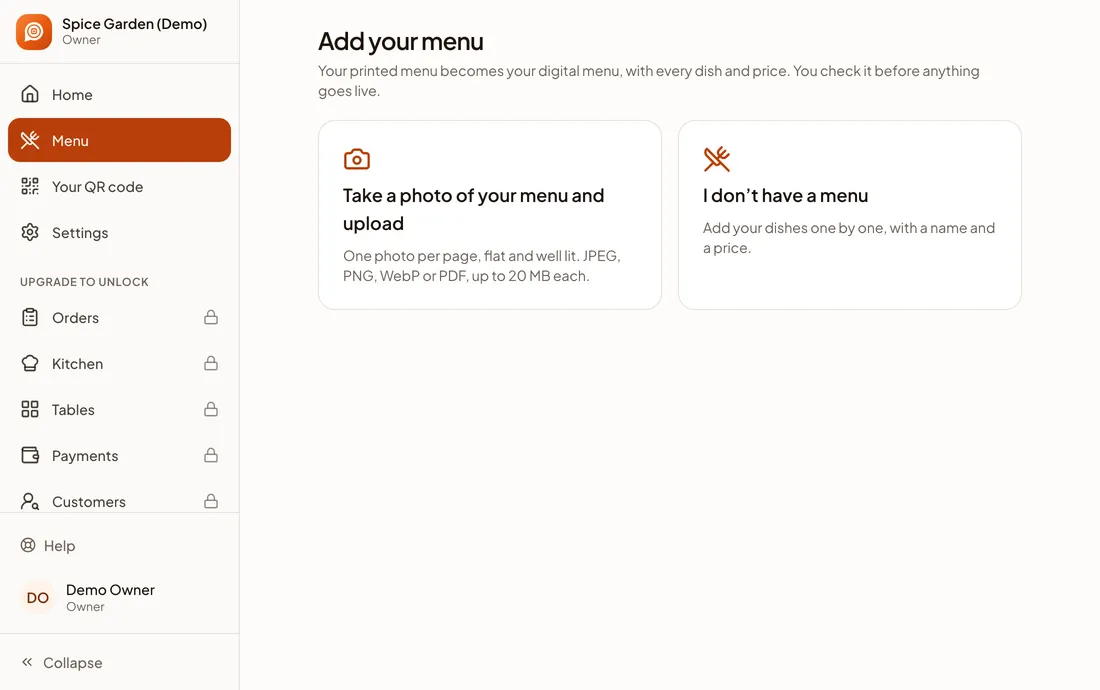
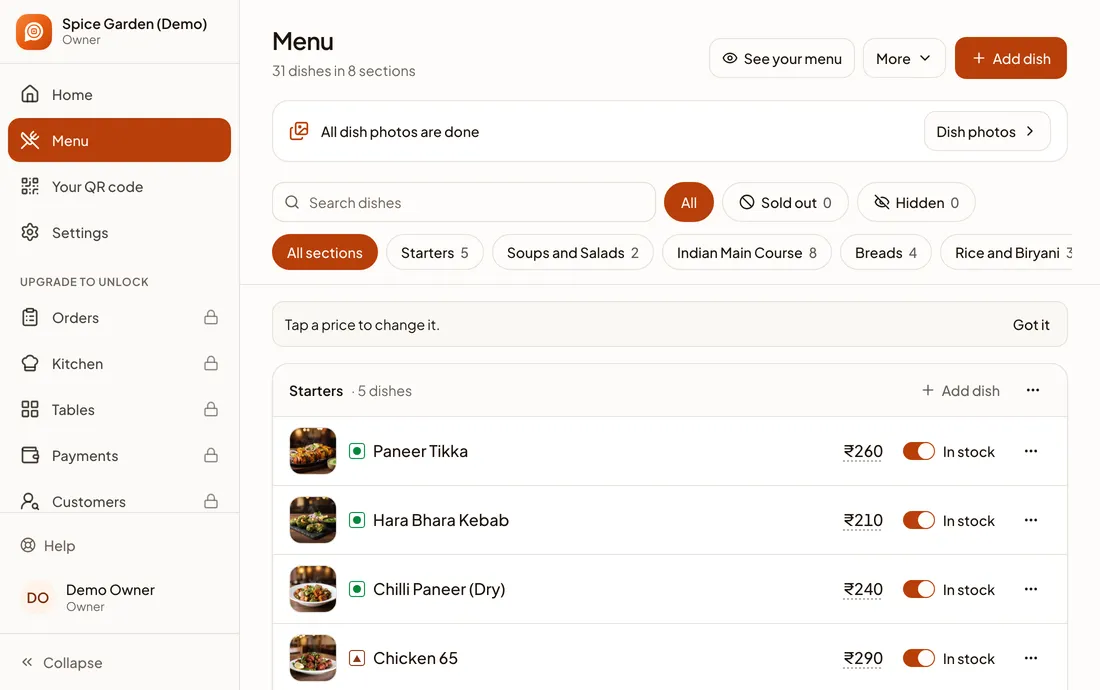
Modern AI can look at a photo or PDF of a menu and pull out sections, dish names and prices, including half and full portions. Instead of typing, you check.
In Dinebo you upload your menu, wait a minute or two, then review what it found. Dishes it’s unsure of are marked, and nothing goes live until you’ve checked it. Here’s the step-by-step guide.
Drafting dish descriptions
A short line helps a guest who doesn’t know what “Kadai Paneer” is. Writing 80 of those is tedious, but AI can draft them from the dish name.
Dinebo can do this automatically, with a setting under How your menu looks if you’d rather not. Read the results and fix anything wrong: it doesn’t know your recipe, so a description might mention an ingredient you don’t use.
Filling gaps in your photos
A menu with no pictures looks unfinished, and a photoshoot isn’t always possible on day one. Dinebo can add a stand-in picture for a dish until you have your own, and you can replace any of them with your own photo.
Your own photos are better wherever you can get them. Guests want to see what will really arrive, so replace the stand-ins for your best sellers first.
Helping guests choose
On Dinebo’s plans with ordering, guests can tap Help me choose and say what they feel like. It suggests dishes from your live menu, and it doesn’t add anything to their order by itself.
That’s a sensible limit for AI talking to your customers: it should only work from your real menu, and the guest stays in control.
Where AI gets it wrong
| What can go wrong | Example | What to do |
|---|---|---|
| Misread price | A faded 280 read as 200 | Compare every price with your menu |
| Mixed-up columns | Half and full prices swapped | Check portions carefully |
| Wrong veg or non-veg | A guess from the dish’s name | Set this yourself for every dish |
| Invented detail | A description naming the wrong ingredient | Read every description |
| Allergens | Anything it assumes | Never rely on it. Add these yourself |
You’re responsible for what your menu says. AI can’t know about a change in your recipe, and an allergen mistake can harm someone. A person who knows the kitchen should have the final say.
Questions to ask any AI menu tool
- Can I check everything before it’s public?
- Does it show me which dishes it’s unsure about?
- Can I turn automatic features off?
- If I edit a description, will it stay as I wrote it?
- Does it make claims about my food that I didn’t give it?
Google is also adding AI to menus: its Business Profile has an experimental option to generate a menu from a photo. The same advice applies, so check the result before you publish.
For a wider view of what to look for, see how to choose a digital menu maker.
Where you still add the most
AI saves typing, not judgement. Only you know which dish you’re proud of, which one loses money, and how you want your restaurant to sound. Let it do the first draft, then spend your time on those decisions.
Official pages we checked
These apps change their screens often. If a step looks different, their own page has the latest. Last checked 1 November 2026.