
Digital Menu vs Traditional Paper Menu
By Dinebo team · Published · Updated · 2 min read
The short answer
If your prices or dishes change even a few times a year, a digital menu is usually easier and cheaper to keep correct. Paper still has real advantages, so most restaurants do best with a digital menu and a few printed copies.
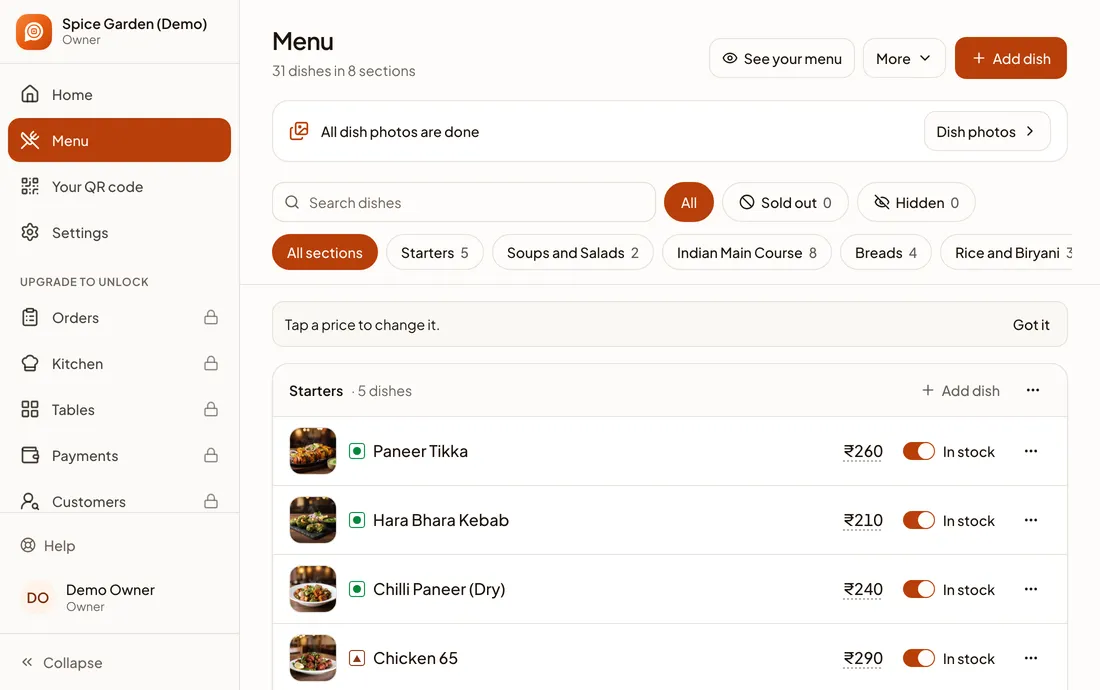
Side by side
| Paper menu | Digital menu | |
|---|---|---|
| Change a price | Pen mark or reprint | Type the new price |
| A dish runs out | Staff tell each guest | Switch it off |
| Photos | Costly to print | Easy to add |
| Reach | Only people in the room | Google, WhatsApp, Instagram and more |
| Needs a phone | No | Yes |
| Feel and atmosphere | Can be lovely | Depends on the guest’s phone |
| Wear | Stains and tears | Nothing to replace except the QR card |
The real problem with paper
A paper menu is correct on the day you print it. After that, every change costs you something: a pen mark, a sticker, a new print run, or a guest who’s disappointed that their dish has finished.
A printed menu also stops at your door. Someone deciding where to eat tonight can’t see it, unless you’ve photographed it, and then you have an old photo to worry about too.
What a digital menu changes
- Corrections take seconds. You change a price on your phone and guests see it straight away.
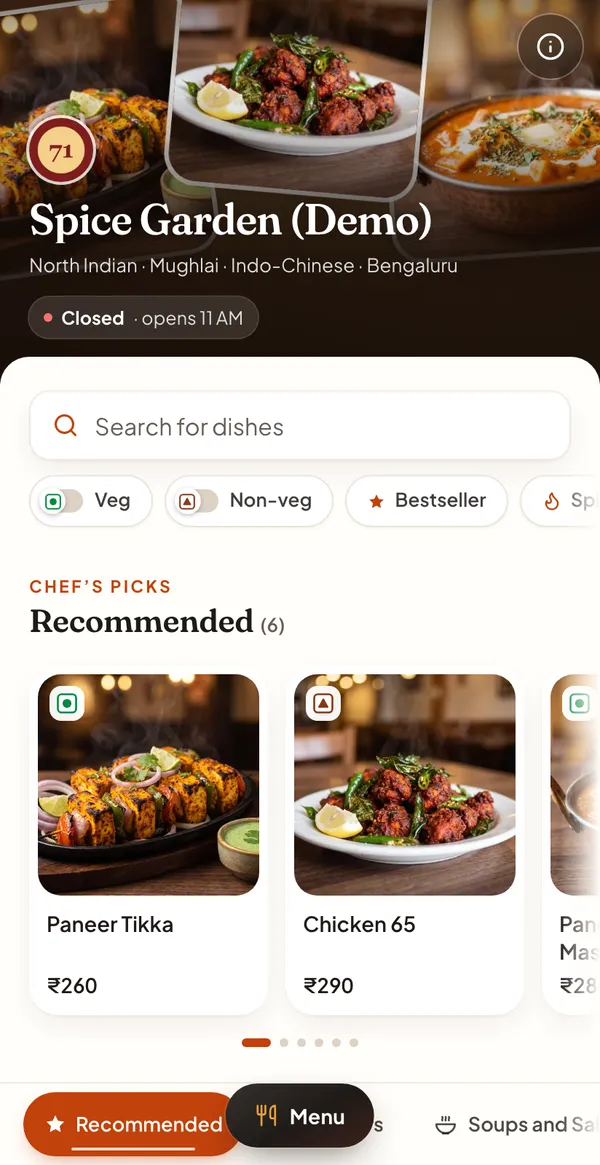
- One menu goes everywhere. The same link works on your QR code, on Google and in messages.
- Guests can see the food. Photos help people who don’t know a dish.
- Guests can read it their way. Their phone’s browser can translate the page, and they can make the text bigger.
- You learn something. You can see how many times your menu was opened.
When paper is still right
Be honest about your own restaurant. Paper can be the better choice if:
- Your menu almost never changes and your regulars order without looking.
- Your customers are mostly older people or others who prefer not to use a phone.
- A beautiful printed menu is part of the experience, as it can be in fine dining.
- Mobile signal in your restaurant is poor and you don’t offer Wi-Fi.
Whatever you choose, keep some paper copies at the counter. Some guests will have no phone or a flat battery.
Work out your own numbers
We won’t quote an average, because it depends on your printer, your menu and your town. Your own figures take two minutes to find:
- Step 1: Count how many times you changed your menu last year.
- Step 2: Add up what you spent on printing, including small corrections.
- Step 3: Ask your staff how often they tell guests a dish has finished.
- Step 4: Compare that with the cost of a digital menu and a few printed QR cards.
How to switch without upsetting anyone
- Step 1: Make your digital menu from your PDF or printed menu.
- Step 2: Put a QR code on one or two tables for a week, next to the paper menus.
- Step 3: Watch how guests use it and ask your staff what they hear.
- Step 4: Add codes everywhere, and keep a few paper copies for anyone who asks.
- Step 5: Tell your staff to offer help. Some guests just need showing once.